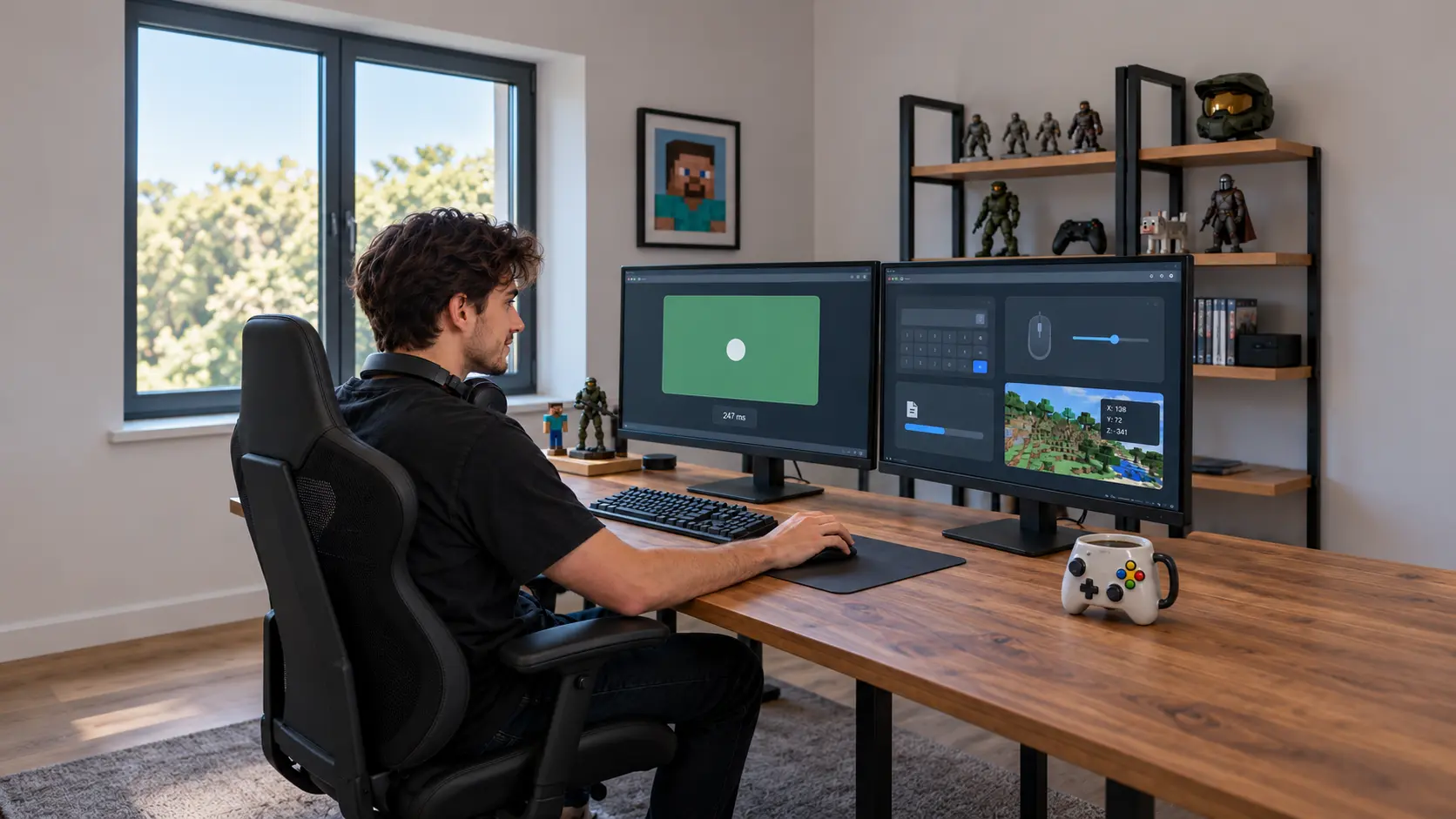
Useful gaming tools, all in one place. Whether you’re setting up Minecraft portals, comparing mouse sensitivity, testing reflexes or planning a game download, GamingImba’s free online tools help you find answers quickly.
Browse all twelve currently published tools below. Each opens in your browser, with a short explanation of what it does and how to interpret the results.
All Free Gaming Tools
Reaction Time Test
Test Your Reflexes. React to a visual cue and compare attempts. Device and display latency can affect results.
Nickname Generator for Gamers
Create a Gamer Tag. Explore gaming nickname ideas for your profile or multiplayer username.
Minecraft Nether Calculator
Plan Portal Coordinates. Convert coordinates between the Overworld and Nether and plan more efficient routes.
eDPI Calculator
Compare Your Sensitivity. Calculate effective DPI from mouse DPI and in-game sensitivity for games including CS2 and VALORANT.
Game Download Time Calculator
Estimate Download Duration. Estimate how long a game download may take using the file size and your connection speed.
FPS Calculator
Explore FPS and Frame Time. Understand frames per second and frame-time relationships. Calculated values are not a hardware benchmark.
Keyboard Latency Test
Check Keyboard Input Timing. Measure browser-observed key event delays and consistency. Not a physical keyboard hardware latency benchmark.
Mouse Latency Test
Check Mouse Click Timing. Examine browser-observed click event delay and consistency. This is not a measurement of physical mouse hardware latency.
Mouse Polling Rate Test
Check Your Mouse Hz. Move your mouse to estimate browser-observed movement update frequency, explore timing variation, and understand the limits of online polling rate tests.
Monitor Refresh Rate Test
Check how frequently your browser updates frames with the free Monitor Refresh Rate Test. Estimate your screen Hz, compare common refresh rates and troubleshoot a display that appears stuck at 60Hz.
Monitor Ghosting Test
Spot visual trails, smearing and inverse ghosting with our free Monitor Ghosting Test. Compare motion clarity and different overdrive settings directly in your browser.
Dead Pixel Test
Check your screen for dark, bright or stuck pixels with our free Dead Pixel Test. Use solid-color screens to inspect your display before a return deadline or after setting up a new gaming monitor.
Find the Right Tool for Your Game
Minecraft players: The Nether Calculator converts coordinates between dimensions using Minecraft’s 8:1 horizontal scaling. It is useful for planning travel, although actual portal linking also depends on the surrounding portals and game mechanics.
Competitive players: The eDPI Calculator helps compare mouse sensitivity settings within the same game, and the Mouse Latency Test examines browser-observed mouse click timing. Use the Mouse Polling Rate Test to estimate movement update frequency, while the Reaction Time Test gives you a quick visual-response challenge. To investigate browser-observed keyboard timing, try the Keyboard Latency Test.
Monitor and display: Check your screen with the Monitor Refresh Rate Test, then use the FPS Calculator to understand how your frame rate relates to your monitor’s refresh rate.
Motion clarity: Try the Monitor Ghosting Test to inspect smearing and overdrive artifacts, then compare your display’s active Hz using the Monitor Refresh Rate Test.
Pixel defects: Check for fixed dark and bright dots with the Dead Pixel Test. For moving trails instead of fixed spots, try the Monitor Ghosting Test.
PC gamers: Use the Download Time Calculator to estimate download duration or the FPS Calculator to explore the relationship between FPS and frame time.
Multiplayer and community players: Looking for a new identity? The Nickname Generator offers ideas you can adapt to your preferred username style.
How Accurate Are the Calculators and Tests?
Calculators use the numbers you provide, so an incorrect input will produce a misleading output. Real downloads may be slower because of network conditions, and the FPS tool cannot replace testing your hardware in an actual game. Reaction time can be influenced by browser, mouse, monitor and device latency. The Keyboard and Mouse Latency Tests measure browser-side event timing, not true physical input hardware latency. The Mouse Polling Rate Test provides a browser-observed movement frequency estimate, not a direct hardware polling measurement. Each tool is intended as a useful guide rather than a guarantee of real-world performance.
Looking for Something Else?
Browse our gaming guides for walkthroughs and practical advice. Have a suggestion for another useful tool, or spotted a bug? Get in touch and let us know which tool you used and what went wrong.