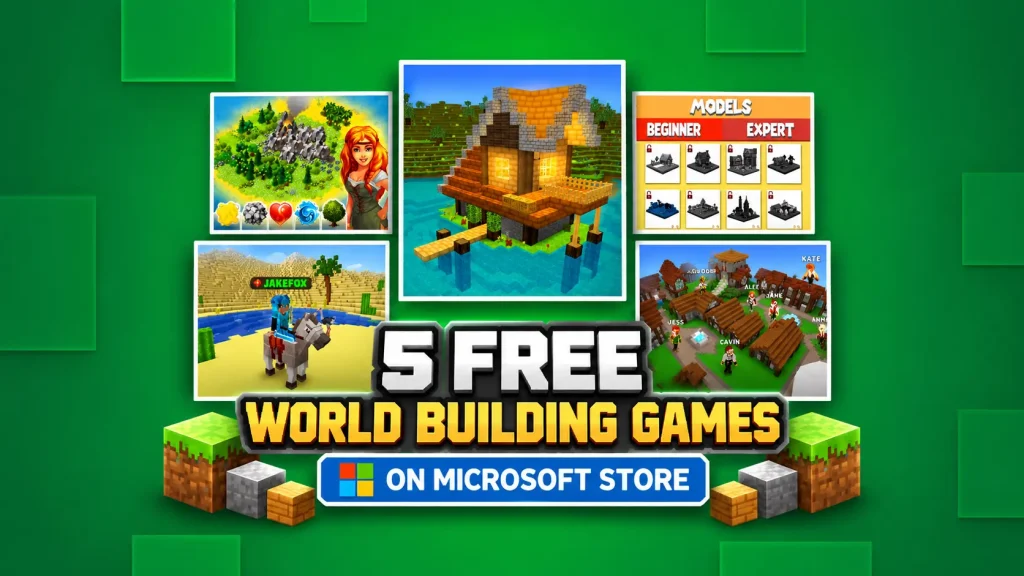
I have a soft spot for games where you can spend two hours building something completely unnecessary and somehow feel like you’ve accomplished a lot. A castle nobody lives in? Sure. A village with fifteen houses and not a single road? Why not?
That probably explains why the Boundless World Builders collection on Microsoft Store caught my attention.
I picked out five free games from the collection, and they’re not all about stacking blocks until you’ve built a suspiciously square mansion. There’s survival, multiplayer chaos, city management, a little alchemy, and even a game about putting buildings together like giant 3D jigsaw puzzles.
Some look more interesting than others, and a couple clearly borrow ideas from Minecraft. But that’s not necessarily a bad thing.
How to Download and Play These Games on Windows
You don’t need to hunt down installation files on random gaming websites. All five games are available through Microsoft Store, which is already included with Windows 10 and Windows 11.
Here’s how to find them:
- Click the Start button on your PC or press the Windows key.
- Type Microsoft Store into the search bar and open the app.
- Use the Store’s search box to enter the name of the game you want, such as WorldCraft: 3D Build & Block Craft.
- Open the game’s store page and click Get or Install.
- Sign in with your Microsoft account if prompted, then let Windows handle the download and installation.
That’s pretty much it. No need to download a separate installer or figure out where to put the game files.
Where do your games go after installation?
If the game doesn’t create a desktop shortcut, don’t worry. It hasn’t disappeared into some mysterious Windows folder.
Just open the Start menu and type the game’s name. Once it appears, you can launch it directly or pin it to Start or your taskbar for easier access.
You can also open Microsoft Store and check your Library to find games associated with your account and manage downloads.
One small tip: check the system requirements on each game’s store page before installing. Most of the games in this collection have fairly modest requirements, but that doesn’t guarantee they’ll run smoothly on every computer.
1. WorldCraft: 3D Build & Block Craft
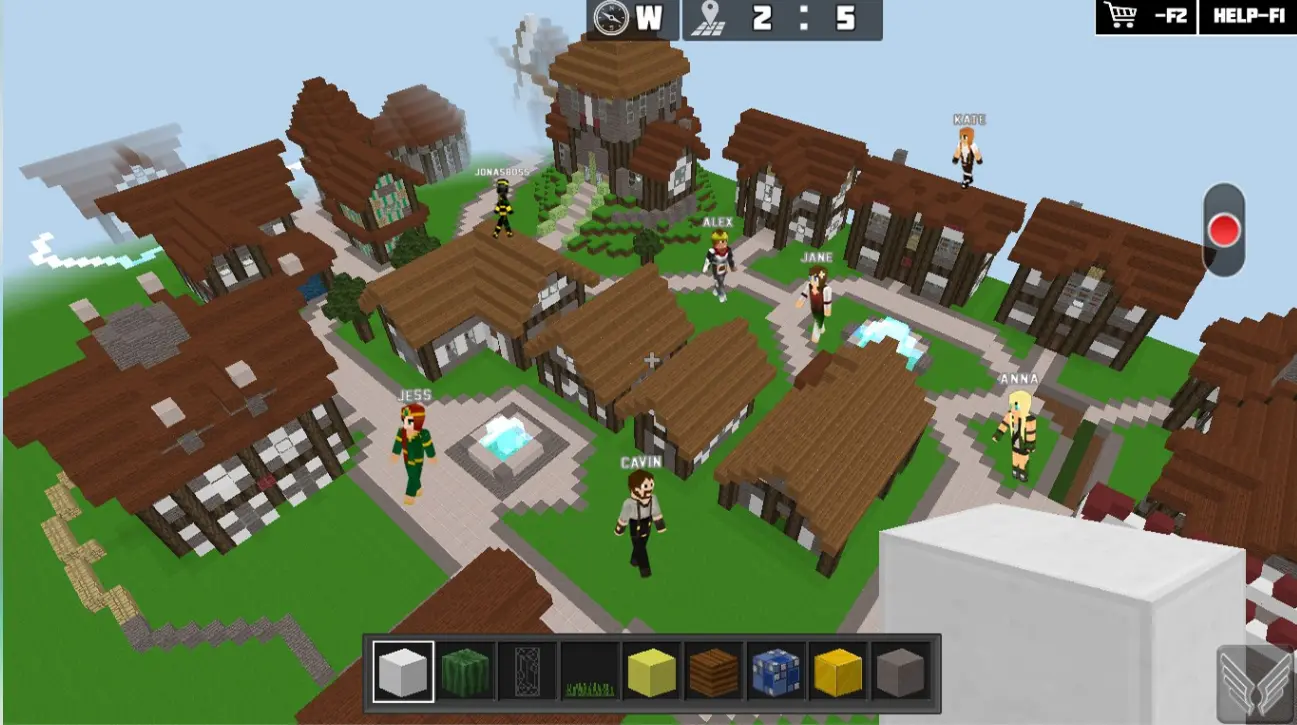
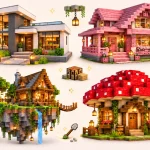
Let’s get the obvious comparison out of the way. WorldCraft looks a lot like Minecraft. The blocky landscapes, crafting system, animals, and survival mechanics aren’t exactly trying to hide their inspiration.
But what interests me here is the ability to switch between completely different ways of playing.
Feeling creative? Jump into the building mode and start putting together your dream house. Or your dream castle. Or a ridiculous tower that serves absolutely no purpose except being taller than everything around it.
You can build alone or join other players online. There’s also an option to upload your creations, explore worlds made by the community, and protect your own maps with a password.
The survival side sounds considerably less peaceful. You’ll be gathering resources, looking for food, crafting weapons, and trying to avoid becoming dinner for whatever hostile creature happens to wander by.
Personally, I’d probably spend far too long building a shelter before doing anything useful. It’s hard to concentrate on survival when your house still needs a second floor.
WorldCraft also includes farming, animal taming, more than 300 character skins, and plenty of crafting recipes. Creative and survival modes are available offline, which is a nice bonus if you don’t always want to deal with multiplayer.
It’s not the most original idea on this list, but for a free sandbox game, there seems to be plenty to mess around with.
2. Exploration 3D Craft
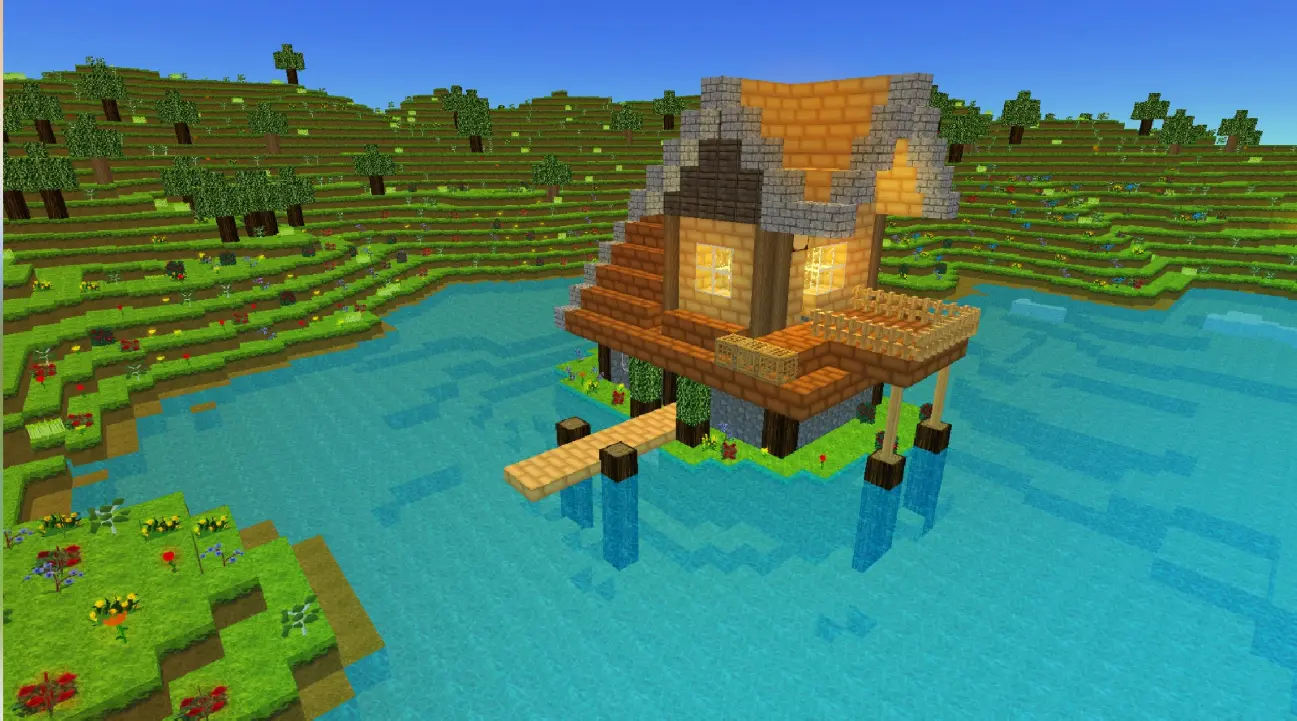
Exploration 3D Craft feels like the sort of game you open when you want to build something without turning the evening into a major survival operation.
The idea is simple: explore a generated world, choose your materials, and start constructing whatever comes to mind.
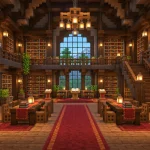
You can build castles, modern houses, skyscrapers, or even cave homes. There are decorative objects, furniture, trees, and other landscaping elements, so you’re not stuck with an empty building surrounded by absolutely nothing.
And I can already imagine spending more time choosing where to put the trees than actually building the house.
One detail I like is the ability to control the day-and-night cycle. Sometimes you just want to see what your creation looks like in daylight without having to wait for the sun to come back.
The game also offers two types of world generation, animals, daily gifts, and a save system. There are standard and premium building blocks, although the store description doesn’t make it entirely clear how all the premium options work.
Compared with WorldCraft, this one appears more focused on construction and decoration than combat or social activities.
It might not keep someone busy who needs constant action, but not every game needs enemies charging toward you every five minutes. Sometimes building a nice little house is enough.
3. PlanetCraft: Block Craft Games
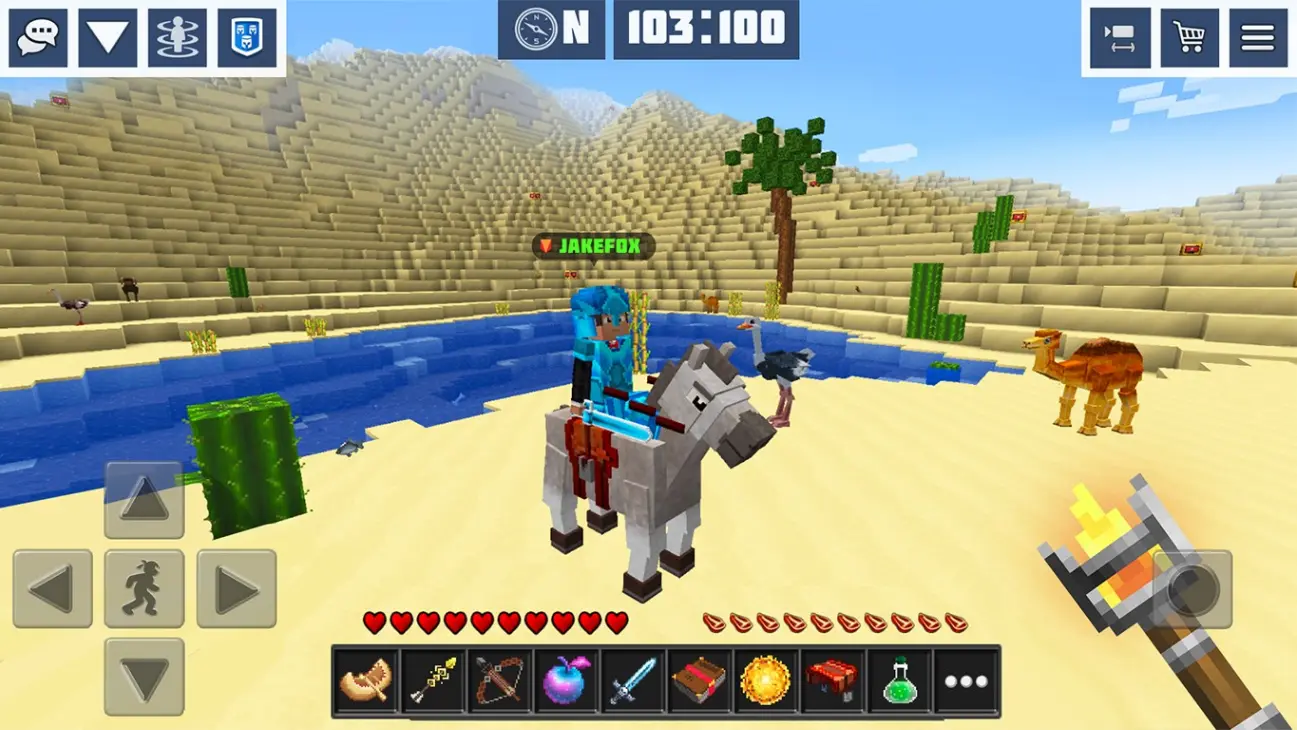
PlanetCraft looks like the game to choose when building by yourself starts getting a little lonely.
There are clans, trading, private worlds, daily quests, multiplayer survival, and enough side activities to distract you from whatever you originally planned to build.
You might log in intending to finish a house and somehow end up playing Hide & Seek or competing in TNT Run instead. That’s the kind of distraction I can appreciate.
The survival mode drops you into a large world with other players, where you can collect materials, craft equipment, and work together. Or, presumably, discover that some people have very different ideas about what teamwork means.
Creative Mode gives you plots of land for building projects, and private worlds let you keep things between friends.
There’s also a trading system, teleportation, achievements, and animals you can tame. You can even experiment with redstone circuits, which opens the door to more complicated constructions.
The mini-games are probably what would tempt me to try PlanetCraft before another traditional building game. Hunger Games, Spleef, TNT Run, and Hide & Seek make it sound more like a small multiplayer playground than a straightforward sandbox.
Of the three block-based games here, PlanetCraft seems to offer the most variety for players who enjoy interacting with a community.
Of course, that also means there’s more going on than in a quiet single-player building game. Whether that’s a positive depends entirely on how much you enjoy having other players around.
4. WORLDS Builder: Farm & Craft
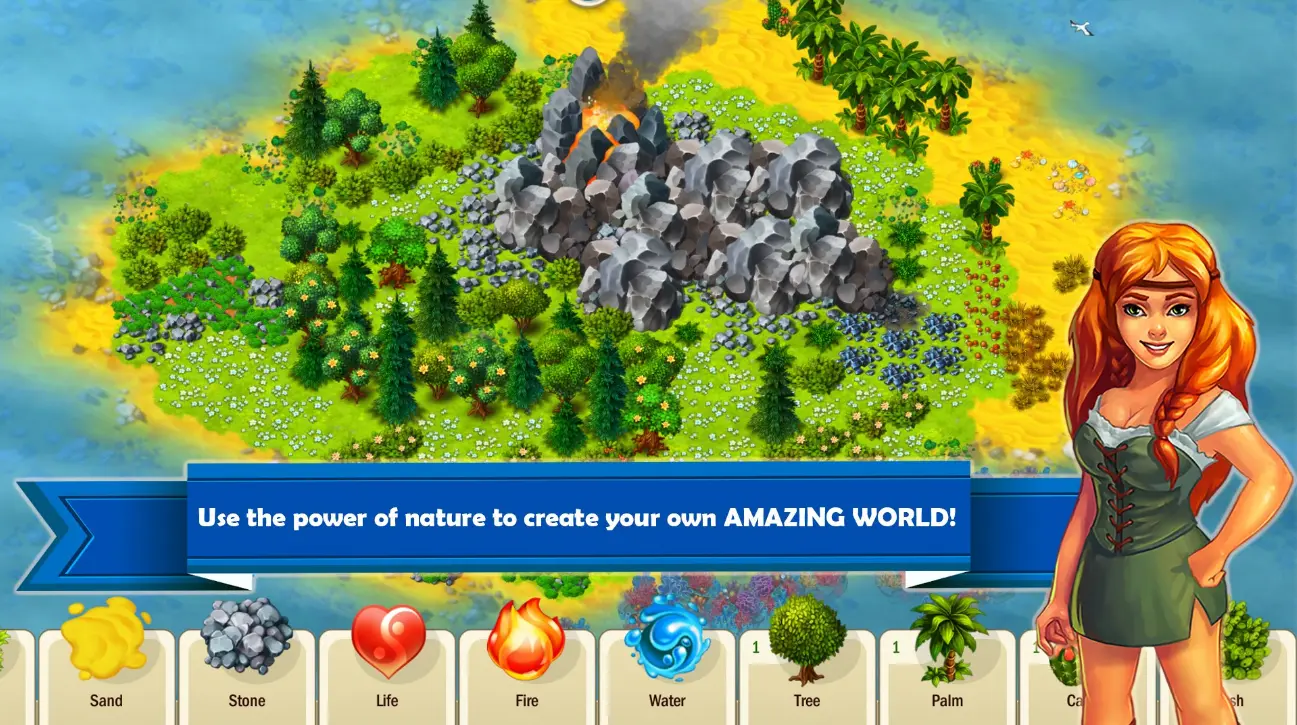
Now this is more my kind of trouble.
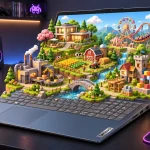
WORLDS Builder doesn’t just hand you a pile of blocks and tell you to build a house. It puts you in charge of shaping the land, developing settlements, organizing production, and eventually building an entire economy.
You start with a small mining village. Nothing especially impressive. A few mines, a sawmill, and a collection of settlers who probably have no idea how ambitious their new ruler is.
Before long, you’re dealing with farms, workshops, trading routes, new technologies, and a growing population.
The unusual part is the alchemy system. You can combine elements to create new materials and change the surrounding landscape. Forests, mountains, and rivers become part of your larger plans.
It’s a fun concept because you’re not just deciding where the buildings go. You’re influencing the world they exist in.
And knowing myself, I’d probably spend half the game trying to create the perfect landscape while completely neglecting the economy. Then wonder why my beautiful city isn’t producing anything.
There’s more to manage, too. Settlers can develop skills, merchants can trade goods, and explorers can search for valuable discoveries. Clans and weekly competitions add a social element.
The game comes from JoyBits, the creators of Doodle God, which makes the element-combining mechanics feel like a natural fit.
One thing worth knowing is that WORLDS Builder includes optional purchases that can speed up progress. It’s free to play, but impatient city planners might find those shortcuts tempting.
If you enjoy games where a tiny settlement gradually turns into something much bigger, this is probably the most interesting entry on the list.
5. World Builder 3D – Models Assembling Puzzle Game
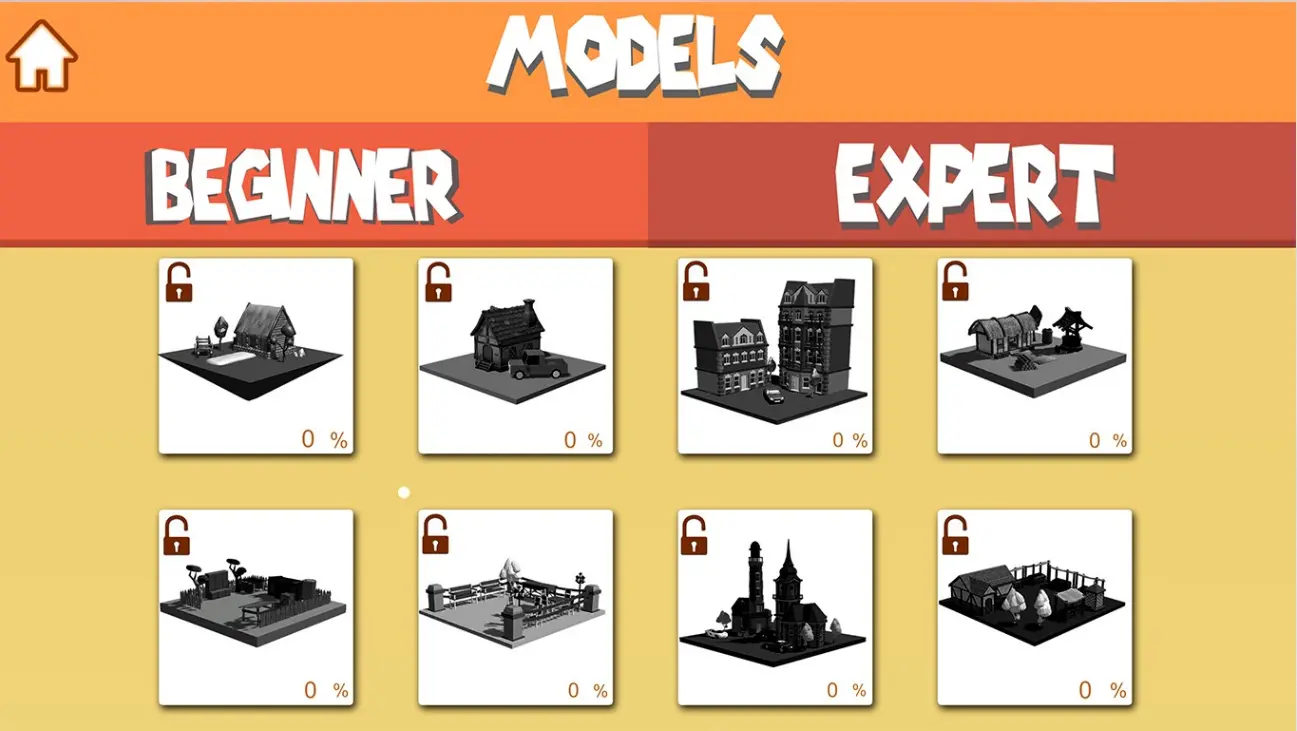
After all that mining, farming, trading, and worrying about virtual citizens, I think we’ve earned something a little quieter.
World Builder 3D takes a different approach. Instead of giving you an enormous world to manage, it presents individual 3D buildings that you assemble piece by piece.
Think of it as a digital construction puzzle.
You choose a model, position its components, rotate the base, and work out where everything belongs. The buildings are inspired by famous architecture from around the world, so there’s a little sightseeing mixed into the puzzle-solving.
I like the concept because it sounds relaxing until you realize you’ve spent ten minutes trying to place one tiny piece in the correct position.
And yes, that’s probably when the hint button starts looking attractive.
The game provides hints, with additional ones available through watching ads. There’s background music, a collection of building models, and hundreds of pieces to work with.
Despite the world-building theme, this isn’t really the same type of sandbox as WorldCraft or PlanetCraft. You’re primarily assembling predefined structures rather than designing an unrestricted world.
That might actually make it more appealing to some players.
Not everyone wants to manage an economy or spend hours mining virtual stone. Sometimes it’s satisfying to finish a small project, look at the result, and move on to the next one.
So, Which One Would I Pick?
If I had to choose just one, I’d probably start with WORLDS Builder: Farm & Craft. The combination of alchemy, city building, and economic management sounds like exactly the sort of game where I’d lose track of time.
PlanetCraft would be my second choice, mostly because of the multiplayer activities. It’s hard to resist a game where you can build a house and then abandon it to play TNT Run.
For a more traditional Minecraft-style experience, WorldCraft offers a mixture of building and survival, while Exploration 3D Craft looks better suited to those who enjoy designing structures without too many distractions.
And World Builder 3D? I’d save that one for a quiet evening when I don’t feel like managing an entire civilization.
All five are listed as free games on Microsoft Store, although optional purchases, premium content, or advertising may be part of the experience. It’s worth checking the individual listings before downloading.
The best thing about building games isn’t always the finished project. Sometimes it’s the ridiculous amount of time you spend working on something that made absolutely no sense when you started.
And somehow, that’s the fun part.

I’m Alex Mercer, a senior gaming and esports writer at GamingImba. I’ve been involved in gaming for as long as I can remember, and for more than a decade I’ve been writing about competitive play, industry trends, and the culture that grows around games.
My work focuses on esports, online gaming platforms, and how technology continues to shape the way people play, compete, and connect. I’m especially interested in meta shifts, balance changes, and the business decisions that influence modern games behind the scenes.
At GamingImba, I aim to break down complex topics in a way that’s clear, honest, and useful—whether that means analyzing a major tournament, exploring new gaming platforms, or looking at how player behavior evolves over time.
I follow global esports scenes closely, experiment with different games and mods in my free time, and enjoy digging into the details that most players notice but rarely stop to question.