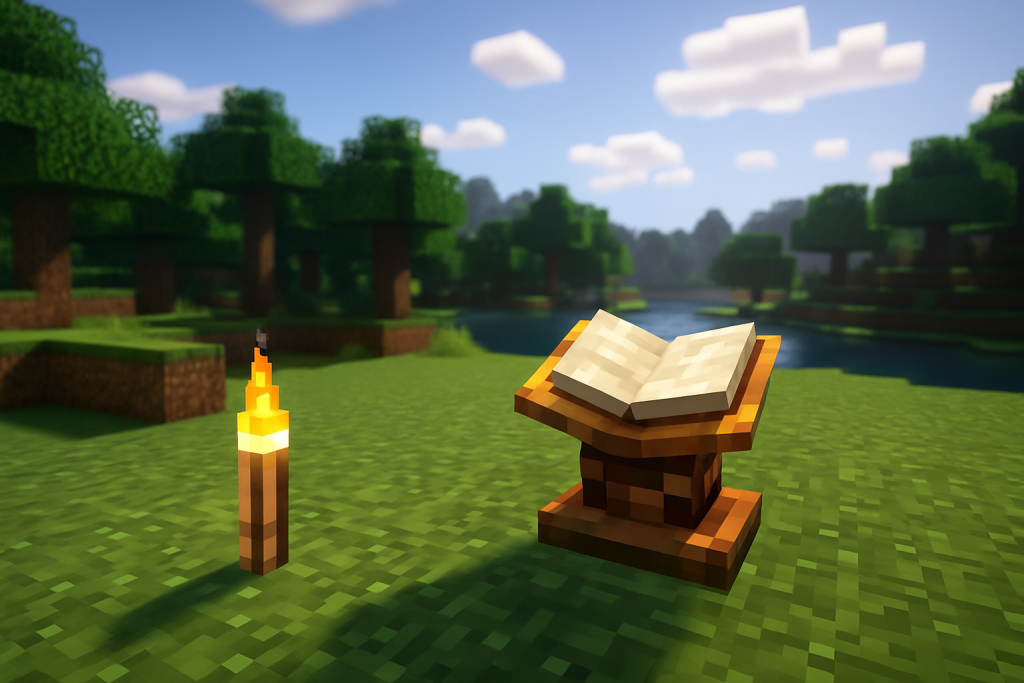
SEUS, short for Sonic Ether’s Unbelievable Shaders, is one of the most popular shader packs for Minecraft. Known for its realistic lighting, reflections, shadows, and atmosphere, SEUS can transform the game’s visuals dramatically. If you’re looking to upgrade your Minecraft experience and aren’t sure where to start, this guide will walk you through the installation process clearly and simply.
What You Need Before Installing SEUS
Before installing SEUS, there are a few things you’ll need to set up:
First, ensure you are running the Java Edition of Minecraft. Shaders are not compatible with the Bedrock Edition or console versions of the game. You will also need a moderately powerful computer with a decent graphics card, as SEUS shaders can be demanding.
Second, you’ll need to install OptiFine, a Minecraft optimization mod that allows shaders to run in the game. OptiFine not only improves performance but also enables the “Shaders” tab in the video settings menu, which is essential for loading SEUS.
Step 1: Install OptiFine
Download the OptiFine version that matches your Minecraft version. After downloading, run the installer. This will create a new profile in your Minecraft Launcher labeled “OptiFine.”
Open the Minecraft Launcher and select the OptiFine profile. Run the game once to allow the files to generate. You’ll notice that the “Shaders” option now appears in the video settings menu.
Step 2: Download the SEUS Shader Pack
Next, download the SEUS shader pack of your choice. SEUS comes in several variations, including SEUS Renewed and SEUS PTGI (Path Traced Global Illumination). SEUS Renewed is generally recommended for most players due to its balance between quality and performance. SEUS PTGI requires more powerful hardware and is often used by content creators for ultra-realistic visuals.
Once you download the shader pack, you’ll receive a zip file. Do not extract it.
Step 3: Move the Shader Pack to the Correct Folder
Navigate to the Minecraft shaderpacks folder. The easiest way to find it is to open Minecraft with the OptiFine profile, go to “Options,” then “Video Settings,” and click on “Shaders.” Inside that menu, click the “Shaders Folder” button.
This will open the directory where Minecraft expects to find shaderpacks. Move the SEUS zip file you downloaded earlier into this folder.
Step 4: Activate SEUS in Minecraft
Once the shader file is in the folder, it should appear in the list of available shaders within the game. Simply click on SEUS to select it. The game will load the shader pack, which may take a few seconds depending on your system.
After it loads, exit the settings menu and return to your world. You should now see major graphical improvements, including realistic water reflections, dynamic shadows, volumetric lighting, and ambient occlusion effects.
Optional: Adjusting Settings for Performance
If your game becomes laggy or unplayable after enabling SEUS, try adjusting the render distance, disabling motion blur, lowering shadow resolution, or using an alternative shader version. SEUS Renewed tends to offer better performance on mid-range systems, while SEUS PTGI is better suited for high-end setups.
You can also tweak settings within OptiFine to balance visuals and performance. Features like antialiasing, anisotropic filtering, and render quality can have a noticeable effect on frame rates.
Troubleshooting Tips
If SEUS doesn’t appear in the list or the game crashes when you activate it, double-check that you are running the correct version of OptiFine and that the SEUS file remains zipped. Also ensure that your graphics drivers are up to date and that your PC meets the minimum system requirements.
If Minecraft is freezing or crashing when you load the shader, try temporarily removing the shaderpack from the folder and relaunching the game. You can then attempt to use a different version of SEUS or another shader pack to test compatibility.
Installing SEUS shaders can completely change how Minecraft looks and feels. From glowing sunsets to shimmering lakes and realistic shadows, SEUS brings a level of immersion that vanilla Minecraft can’t match. While it may take a bit of setup, especially for newer players, the results are well worth the effort.
Remember to experiment with different versions of the pack and tweak your settings to find the best balance for your system. With SEUS properly installed, you’ll experience Minecraft in a whole new light.

Hello, my name is Lora Zaharieva. I love video games and I spend a big chunk of my time in front of my pc. I have studied English language for the past 10 years. There is nothing better than combining the pleasant with the useful, and for this reason I decided to start writing articles in English related to the gaming industry. I am an ambitious person and when I like something, I want to improve as much as possible.