Getting 230 ms on a reaction time test might seem slow when someone online posts a screenshot of 150 ms. But are they using the same monitor and mouse? Are they sharing their average score or simply their fastest attempt? Those details matter more than most people realize.
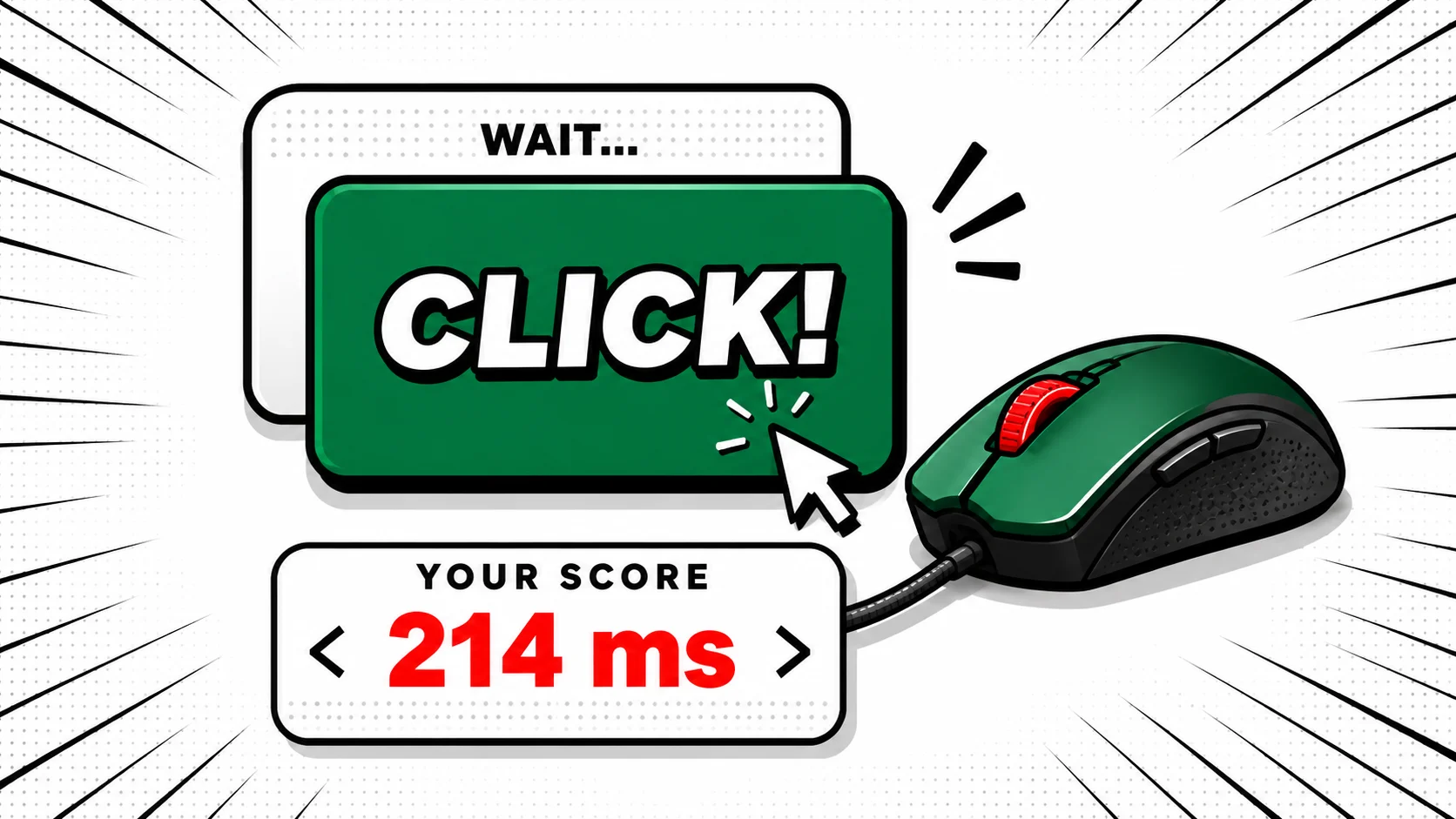
A reaction time of 200-250 ms is generally a good result on a simple online visual reaction test. However, there is no scientifically established average for all gamers, and a fast score does not necessarily translate into better performance in competitive games. Your hardware, concentration, experience and testing conditions all influence the numbers you see.
What Is the Average Reaction Time for Gamers?
A 2015 study by Woods and colleagues examined simple visual reaction times in 1,469 adults aged 18 to 65. Participants recorded an average response time of 231 ms, which dropped to 213 ms after adjusting for delays introduced by the testing equipment.
Online reaction tests tend to produce different results. According to Human Benchmark’s published statistics, the median reaction time recorded through its online test is 273 ms.
| Source | Reaction time | Measurement type |
| Woods et al. (2015) | 231 ms | Laboratory average |
| Woods et al. (2015) | 213 ms | Average adjusted for hardware delays |
| Human Benchmark | 273 ms | Online test median |
Neither dataset exclusively represents gamers, but both provide useful reference points. The differences also illustrate why comparing results from different testing environments can be misleading.
If you consistently score around 200 ms in a browser-based test, your recorded response is faster than both published reference values. A score of 250 ms is also perfectly reasonable, although differences between testing methods prevent us from assigning a reliable population ranking.
What Is Considered a Good Reaction Time for Gaming?
A good reaction time depends partly on what you are measuring. Responding to a color change on a screen is relatively straightforward compared with recognizing an enemy, identifying an attack animation or deciding which ability to use during a team fight.
For an online visual reaction test, a consistent result below 200 ms can be considered fast. Results between 200 and 300 ms should not automatically be viewed as a competitive disadvantage, particularly when differences in hardware and testing conditions are involved.
If you regularly score above 300 ms, try repeating the test when rested and using a familiar setup. Rather than focusing exclusively on reaching a particular number, pay attention to how consistent your results are.
How GamingImba Rates Your Reaction Time
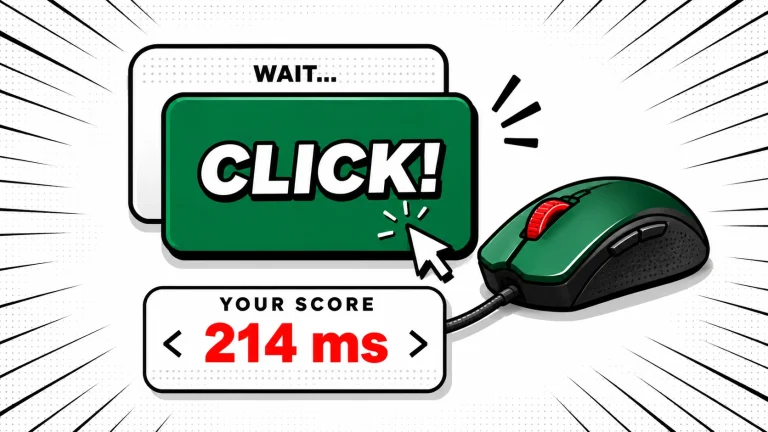
We developed the GamingImba Reaction Time Test to give players a simple way to measure their visual response speed, compare results with friends and track their progress.
Our Standard mode consists of five attempts, allowing you to evaluate your average performance rather than relying on a single click. The test uses the following rating system:
| Reaction time | GamingImba rating |
| Below 150 ms | Lightning Reflexes |
| 150-199 ms | Elite |
| 200-249 ms | Fast |
| 250-299 ms | Average |
| 300-399 ms | Keep Practicing |
| 400 ms or more | Training Needed |
These ratings are specific to GamingImba. They are designed to make the test more engaging and provide personal performance targets. They are not scientifically established skill categories, medical thresholds or statistical rankings of the gaming population.
You can also use our leaderboard to compare your results with other participants. Keep in mind that players use different devices and testing setups, so leaderboard positions should be viewed as a friendly competition rather than a definitive measure of someone’s gaming ability.
Personally, I would pay more attention to a gradual improvement from 260 ms to 230 ms over several weeks than to a single exceptionally fast attempt.
Do Professional Gamers Have Faster Reaction Times?
Competitive players spend considerable time responding to visual information, recognizing patterns and making decisions under pressure. There is research suggesting that some benefits of playing action video games may extend beyond the games themselves.
A 2009 review by Dye, Green and Bavelier examined evidence that action video game experience can improve information processing speed across certain tasks without necessarily reducing accuracy.
However, studies involving action video game players should not be confused with research exclusively involving professional esports athletes. Different games demand different skills, and there is no universally accepted reaction time benchmark for professional gamers.
The frequently repeated claim that professional players have reaction times below 150 ms should therefore be treated with caution. Some individuals may achieve those results, but that does not make 150 ms an established professional gaming standard.
Why Your Reaction Time Test May Be Slower Than Expected
An online reaction time test measures more than your biological response speed. Your computer must display the visual stimulus, your input device must register the response, and the software must process that input. Delays can occur at different stages of this process.
Monitor Refresh Rate
A higher refresh rate allows your monitor to update the displayed image more frequently, potentially reducing the delay before a visual stimulus becomes visible.
| Monitor refresh rate | Time between refreshes |
| 60Hz | 16.67 ms |
| 120Hz | 8.33 ms |
| 144Hz | 6.94 ms |
| 165Hz | 6.06 ms |
| 240Hz | 4.17 ms |
| 360Hz | 2.78 ms |
Although the refresh interval of a 240Hz monitor is 12.5 ms shorter than that of a 60Hz monitor, upgrading does not automatically reduce your measured reaction time by that amount. Browser rendering, display response time and the timing of the stimulus relative to the refresh cycle also matter.
You can use our monitor refresh rate test to check the approximate refresh rate available to your browser.
Mouse and Keyboard Latency
Every input device introduces some delay between the physical button press and the computer receiving the input. Polling rate, switch behavior, firmware and connection quality can all contribute to this delay.
Wireless devices are not necessarily slower than wired alternatives. A well-designed wireless gaming mouse can outperform a poorly optimized wired model.
If you want to track your reaction time over several weeks, stick to the same input device. Switching between a mouse, keyboard and touchscreen introduces another variable that makes direct comparisons less reliable.
Fatigue and Concentration
Your performance can fluctuate throughout the day. Poor sleep, mental fatigue, distractions and prolonged gaming sessions can affect how quickly and consistently you respond.
If your results are unusually slow after several hours of competitive gaming, repeat the test when you are rested. A single disappointing session does not necessarily indicate that your reflexes have deteriorated.
Does Reaction Time Change With Age?
Reaction speed generally changes with age, although the extent of that change depends on the task being performed and the individual.
The 2015 study by Woods and colleagues found that simple visual reaction time increased by approximately 0.55 ms per year of age across the adults studied.
Applying that statistical relationship illustrates how relatively modest the difference can be for a simple visual task:
| Age difference | Estimated difference in reaction time |
| 10 years | 5.5 ms |
| 20 years | 11 ms |
| 30 years | 16.5 ms |
| 40 years | 22 ms |
These figures are calculated from the study’s reported age-related trend. They are not directly measured averages for specific age groups or predictions of an individual player’s performance.
For gamers in their thirties and forties, raw reaction speed is only part of the equation. Experience, positioning, anticipation and familiarity with game mechanics can help compensate for slower responses in certain situations.
Reaction Time vs. Actual Gaming Performance
Imagine two Counter-Strike 2 players. One averages 180 ms on a reaction time test, while the other averages 230 ms. The first player responds 50 ms faster in that particular test, but that does not guarantee a victory in a firefight.
If the second player already has their crosshair positioned at head level and knows where an opponent is likely to appear, they may require less time to aim and fire. The faster player’s reflexes might not compensate for poor positioning or an unnecessary crosshair adjustment.
Different games also rely on different skills.
| Game | Important skills beyond reaction speed |
| Counter-Strike 2 | Crosshair placement, positioning and recoil control |
| Valorant | Angle management and ability recognition |
| League of Legends | Decision-making and ability prediction |
| Tekken | Animation recognition and defensive timing |
| Rocket League | Spatial awareness and movement prediction |
A simple reaction time test requires you to perform a predetermined action when a visual signal appears. During a competitive match, you often need to identify what happened, choose an appropriate response and execute it accurately.
Reacting quickly is useful, but reacting correctly is just as important.
Why Your Best Reaction Time Is Not Your Average
Reaction time screenshots shared online rarely tell the whole story. Consider two hypothetical players completing five attempts under identical conditions.
| Attempt | Player A | Player B |
| 1 | 175 ms | 215 ms |
| 2 | 230 ms | 225 ms |
| 3 | 255 ms | 220 ms |
| 4 | 280 ms | 230 ms |
| 5 | 260 ms | 210 ms |
| Best attempt | 175 ms | 210 ms |
| Average | 240 ms | 220 ms |
Player A has the fastest individual attempt, but Player B responds faster on average and produces considerably more consistent results.
This is particularly relevant when comparing your GamingImba scores with friends. A personal record is satisfying, but your average across multiple attempts provides a more useful picture of your performance.
How to Measure and Track Your Reaction Time
You do not need laboratory equipment to monitor changes in your reaction speed. You do, however, need reasonably consistent testing conditions.
- Use the same computer, monitor, browser and input device.
- Complete a short practice session before recording your results.
- Run three five-attempt sessions using GamingImba’s Standard mode.
- Record the average of each session.
- Use the median of those three averages as your personal baseline.
- Repeat the process on different days under similar conditions.
Avoid deliberately anticipating the visual signal. Clicking before you have registered the change defeats the purpose of measuring your reaction time.
If you upgrade your monitor or replace your mouse, establish a new baseline. Otherwise, improvements caused by your hardware may be mistaken for improvements in your reflexes.
It is also worth remembering that becoming better at a particular reaction time test does not necessarily mean your performance will improve by the same amount in a competitive game.
How Fast Do You Actually Need to Be?
There is no minimum reaction time required to enjoy competitive gaming or reach a high rank. A consistent score of 200-250 ms on an online visual reaction test is a good starting point, but chasing a result below 150 ms may offer less practical value than working on your aim, positioning or game knowledge.
Use the GamingImba test to establish your baseline, monitor changes and challenge yourself to become more consistent. A better score is rewarding, but what you do with those extra milliseconds during an actual match matters more.

The GamingImba Editorial Team covers gaming news, in-depth guides, gaming hardware, industry trends, esports and more. Our goal is to provide accurate, practical, and reliable content that helps gamers stay informed and get more out of their gaming experience.